




Turn any design into a high-performance event hub. RSVP, maps, updates, and polished mobile sharing all live behind one beautiful link.
Live Demo
See how a gymnastics meet hub handles schedules, venue notes, and updates in one place.
Trusted by 2,500+ hosts, coaches, and gymnastics parents

Superhero Adventure Party
Date & Time
Saturday, Dec 12 @ 2:00 PM
Location
The Adventure Park, Hall B
Stop re-explaining parking, hotels, and last-minute changes across group threads. Envitefy turns the packet into a single mobile hub parents actually open.
Mix and match sections—families get one place to scan before they hit the venue.
Point families to live score destinations without burying the link in a team thread.
Keep entrance notes, parking guidance, and venue context on one page.
Attach booking links, codes, and hotel notes where everyone can actually find them.
Publish quick reminders for warmups, arrival windows, attire, and meet-day changes.
Shift times, awards, or locations once and let the hosted page carry the latest version.
Use the same event hub to coordinate families, volunteers, and attendance questions.
Ready to ship a page for your next meet?
Explore gymnastics meet pagesCreate polished invitation artwork, live cards, hosted event hubs, and mobile-ready guest experiences from the same studio workflow.
Create polished invitation artwork for print, text threads, and keepsake sharing from the same production workflow.

Publish a mobile-ready live card and hosted page with RSVP, calendar saves, maps, registry links, and guest actions in one destination.


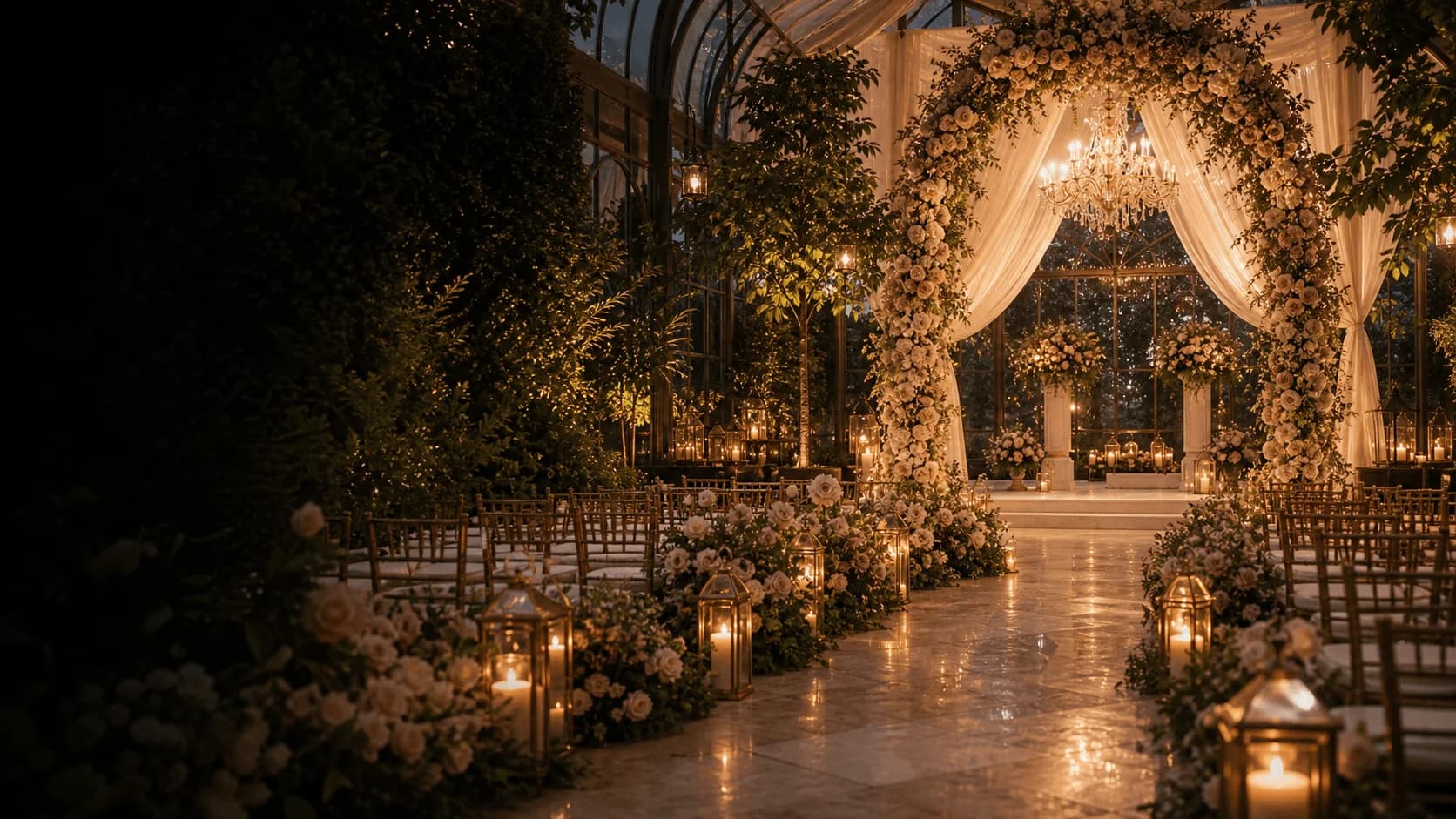
Wedding Weekend
Coordinated print design with live event actions ready to publish.
Configure the presentation layer, connect guest actions, and publish a page that is ready for attendance, directions, hotel links, registry links, and live updates.
Start from polished invitation and event-page formats instead of rebuilding the presentation layer for every event.
Offer RSVP, directions, calendar saves, registry links, details, and sharing from the same guest-facing card.
Keep timelines, hotel notes, venue instructions, and last-minute changes attached to the hosted page guests already have open.
Move from approved layout to a live, mobile-ready guest experience without reformatting or duplicate entry.
Upload a flyer, screenshot, or meet PDF and Envitefy turns it into a structured draft that is ready to publish as a live event page.
Convert screenshots, promos, and image-based invites into a structured event draft in seconds.
Extract timing, venue notes, lodging details, and logistics from long-form event documents.
Handle birthday invites, wedding inserts, school calendars, and multi-session event schedules in the same intake flow.

Start from scratch in Studio or bring your existing invite into Snap. Both routes end with a shareable event page.
Start with a polished live card or adapt a layout to the event you are hosting.
Add your content, structure, action buttons, and the details guests actually need.
Share one hosted link instead of a stack of screenshots and follow-up texts.
Take a photo, upload a screenshot, or drop in a meet PDF from the files you already have.
Envitefy pulls dates, times, locations, and structured event details into a usable draft.
Publish the draft into a shareable event page with RSVP, maps, and updates built in.
From competition weekends to intimate celebrations, Envitefy scales from a single invite to a full live event surface.


The RSVP experience stays fast, legible, and conversion-focused so guests can confirm, save the date, and open directions from the same page.
Quick answers about Snap, gymnastics meet pages, sharing, and RSVPs.
Snap turns photos or uploads of invites, flyers, schedules, and screenshots into a structured event page you can edit, publish, and share. It is built for real-world paper and chat chaos, not perfect templates.
Yes. Drag in a PDF, pick from your camera roll, or snap a photo. Envitefy is meant for whatever you already have in hand.
Gymnastics is tuned for meet weekends: schedules, venues, hotels, maps, and updates on one hosted page. Snap is the broader flow for many event types. Your account can use both.
Yes. Extraction is a head start, not a lock-in. Review fields, fix anything that missed, then publish when you are ready.
No. Shared event pages open in the browser on phones and desktops, so one link is enough.
Guests can respond from the live page without creating friction. You keep responses organized with the event instead of scattered across texts.
Depending on the event, guests can RSVP, open directions, save the date to their calendar, view registry links, and share the hosted page from the same card.
Join the creators, coaches, and hosts who have moved beyond static flyers into live event hubs.