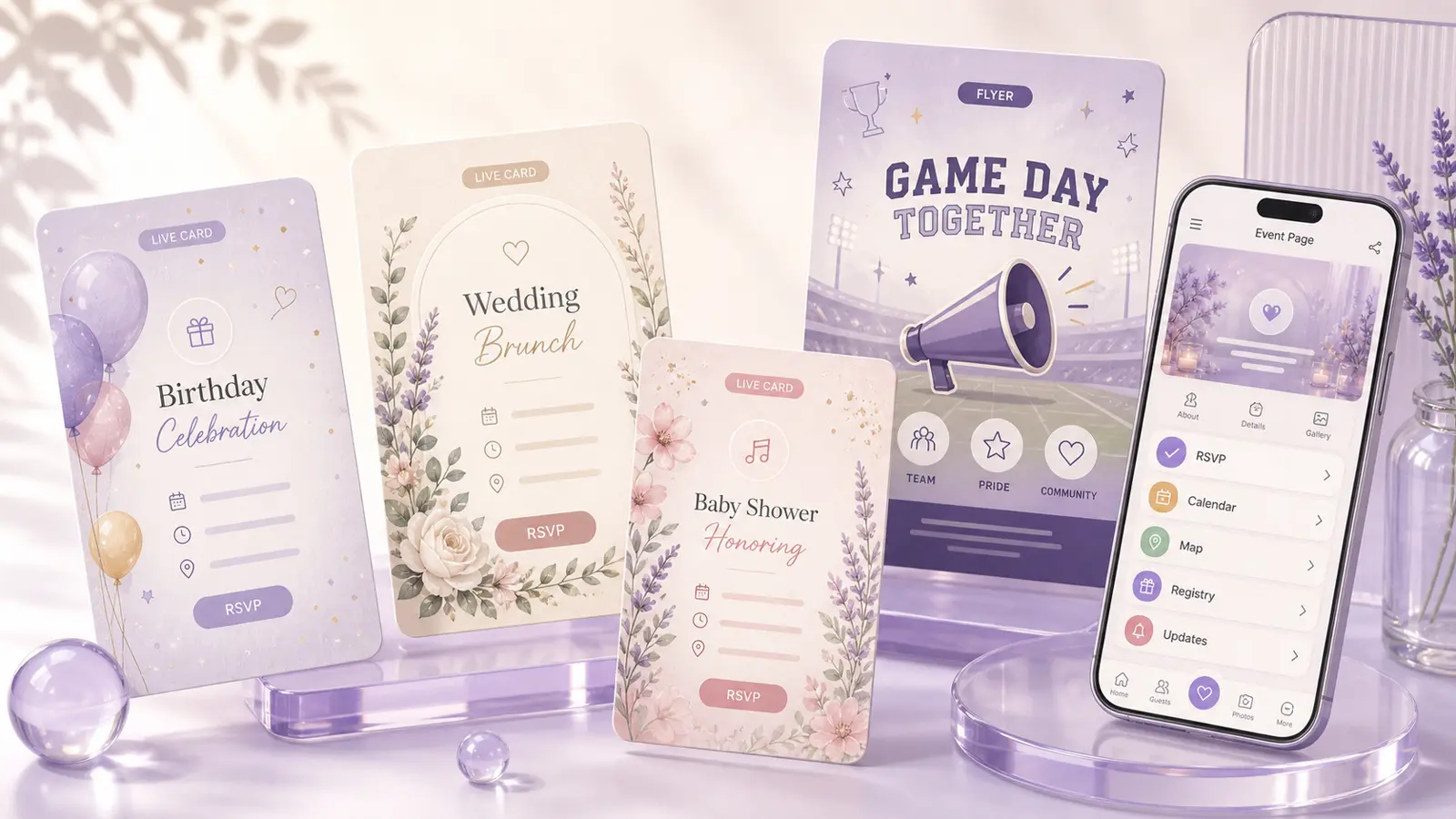
Guides for live event pages, uploads, RSVPs, and gymnastics meets
Resources for turning files, cards, RSVPs, and meet packets into live event pages.
Practical Envitefy guides for parents, teachers, coaches, hosts, and guests turning flyers, PDFs, live cards, schedules, and signups into one shareable page.
Guide match
Start with what you have.
Step 1
I have a file already
Use Snap when the source is a flyer, PDF, screenshot, packet, poster, or schedule.
Step 2
I need a better invite
Use Envitefy Create when you want a polished live card connected to event details and actions.
Step 3
I need guest responses
Use an RSVP event page when the important part is collecting answers and reducing repeat questions.
Choose by content
Find the guide that matches your starting point.
Each guide answers one concrete question, then points you to the Envitefy surface that fits the job.
How do I turn a PDF into an event page?
Upload the PDF to Envitefy Snap, review the extracted date, time, place, and notes, then publish a hosted event page guests can open from one link.
Best for
PDF invites, school packets, meet schedules
How do I turn a flyer into an event page?
Snap or upload the flyer, confirm the details Envitefy finds, and share a live event page instead of another screenshot.
Best for
Flyers, screenshots, posters, image invites
What are live card invitations?
Live card invitations are shareable event cards connected to a hosted page, so the design, details, RSVP, links, and updates live together.
Best for
Designed invites with RSVP and live details
How do I make an RSVP event page?
Create or upload an event in Envitefy, add the RSVP and guest details, then share the live page link by text or email.
Best for
Guest responses, calendar saves, maps
How do I create a gymnastics meet page?
Use Envitefy Gymnastics to publish a meet page with schedule details, venue information, hotel blocks, maps, and parent-friendly sharing.
Best for
Schedules, venues, hotels, parent updates
Can I share an event page without guests installing an app?
Yes. Envitefy event pages are hosted on the web, so guests can open the shared link from text, email, or a browser without installing an app.
Best for
Textable links guests can open in a browser
How do I make a smart sign-up form for an event?
Use a smart sign-up when guests need to claim slots, bring items, volunteer, or coordinate around an event instead of only sending an RSVP.
Best for
Volunteer slots, supplies, shifts, class parties
How do I make a wedding event page?
A wedding event page gives guests one current place for the invitation, schedule, registry links, travel details, RSVP actions, maps, and updates.
Best for
Weddings, weekend details, RSVP, registry links
How do I make a birthday invitation with RSVP?
A birthday RSVP invitation combines the designed invite with guest actions, so parents and guests can respond, save the date, find the map, and return to updates.
Best for
Birthday invites, parent notes, guest responses
How do I add registry links to an invitation page?
Registry links work best when they live beside the event details instead of being buried in a text thread or printed as tiny copy on an invite.
Best for
Wedding, baby shower, birthday, and gift links
I have a file already
Use Snap when the source is a flyer, PDF, screenshot, packet, poster, or schedule.
I need a better invite
Use Envitefy Create when you want a polished live card connected to event details and actions.
I need guest responses
Use an RSVP event page when the important part is collecting answers and reducing repeat questions.
I am organizing families
Use gymnastics and signup flows when schedules, helpers, supply lists, and updates matter.
Next step
Turn the guide into a live page guests can actually use.
Upload a file with Snap, create a live card with Envitefy Create, or open a dedicated workflow for gymnastics meets and family logistics.