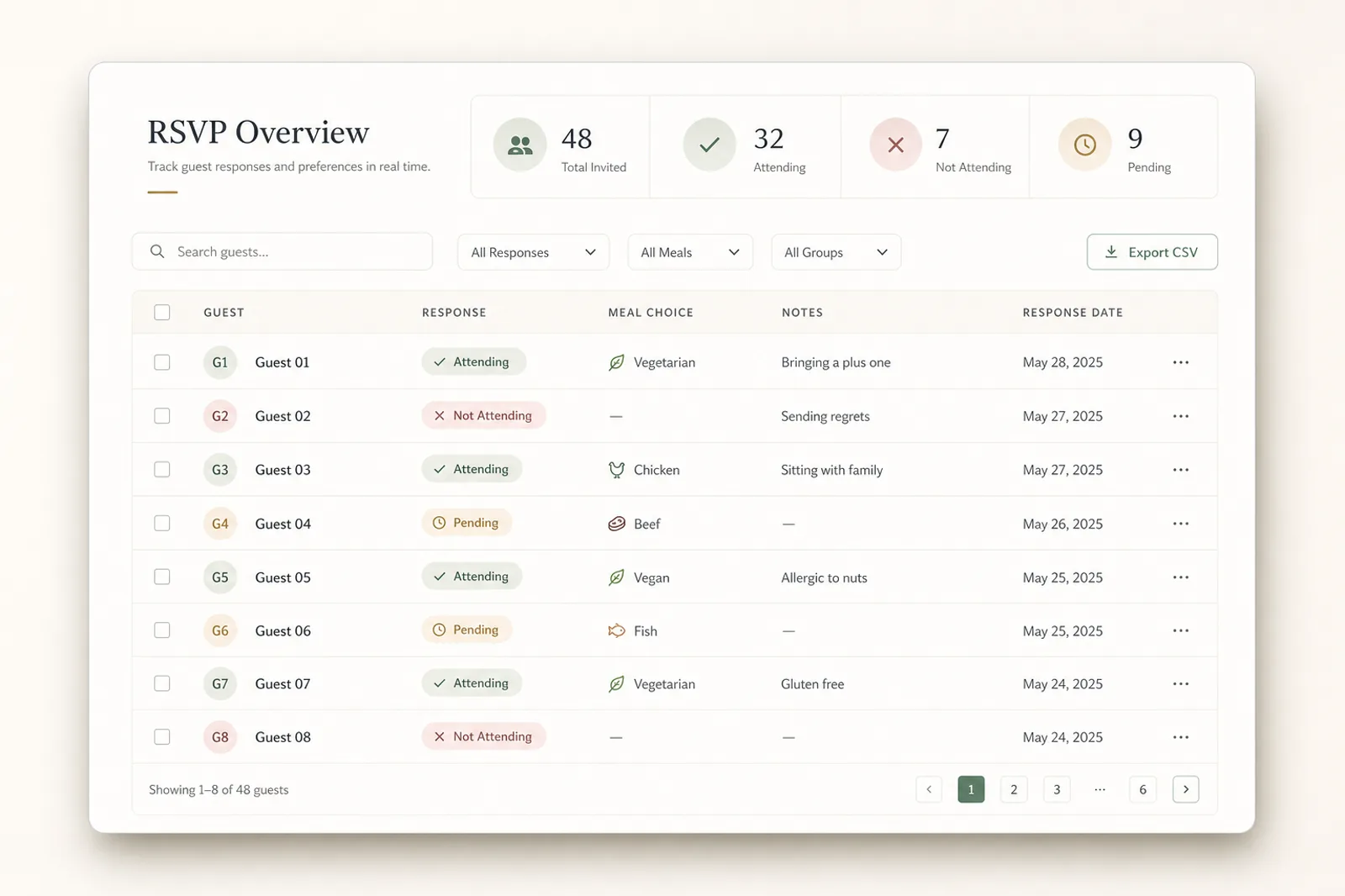
RSVP event page guide
How do I make an RSVP event page?
Create or upload an event in Envitefy, add the RSVP and guest details, then share the live page link by text or email.
Short answer
Envitefy RSVP event pages give hosts a mobile-friendly place for event details and guest actions, including RSVP links, calendar saves, map links, and related resources.
Guide fit
Use this path when these details matter.
The strongest event pages are not generic. They match the source, the host workflow, and the guest questions that show up after the invite is sent.
Parties where hosts need a headcount
Showers, weddings, and family events
School and team gatherings
Events with maps, calendars, registries, or extra forms
What guests can do
Guests can open the page, review event details, respond through RSVP options when enabled, save the event to a calendar, and use links for maps, registries, or other resources.
How hosts create one
Hosts can start with Envitefy Create, Snap/upload, or a category template, then publish a hosted page once the details are ready.
Where it fits
RSVP pages work well for birthday parties, showers, school events, community events, team gatherings, and any event where guests need one reliable source of truth.
Workflow
Build it in Hosted event pages.
Treat the source as a starting point, then publish a live page guests can use from any browser.
- 1Create
Start the event
Use Envitefy Create for an event idea, Snap for an upload, or a category template for a structured design.
- 2Enable
Add RSVP behavior
Decide what guest response you need and make the RSVP action visible on the page.
- 3Support
Add practical links
Include map, calendar, registry, signup, ticket, or outside links that reduce follow-up questions.
- 4Track
Share and monitor
Send the live link and use the page as the current source for guest decisions.
Before you publish
Response deadline
Tell guests when to respond, especially when headcount, food, seating, or supplies matter.
Plus-ones and family groups
Clarify whether guests can bring others and what information the host needs.
Arrival context
Add parking, entrance, room, field, or building notes next to the map action.
Follow-up links
Place registries, signups, tickets, or forms in the page instead of scattered messages.
What guests get
- Answer from the same page that holds the details
- Save the event and get directions without asking the host
- Find registries, signups, ticket pages, or forms from one place
- Return to a live page instead of a stale invitation image
Related Envitefy resources
Continue with the next best page.
FAQ
Can Envitefy event pages include RSVP links?
Yes. Envitefy event pages can support RSVP-oriented sharing and guest actions alongside the event details.
Can guests save the event to a calendar?
Yes. Envitefy is designed around structured event details so guests can save events to calendars when calendar actions are available.