Wedding
Gilded Wedding
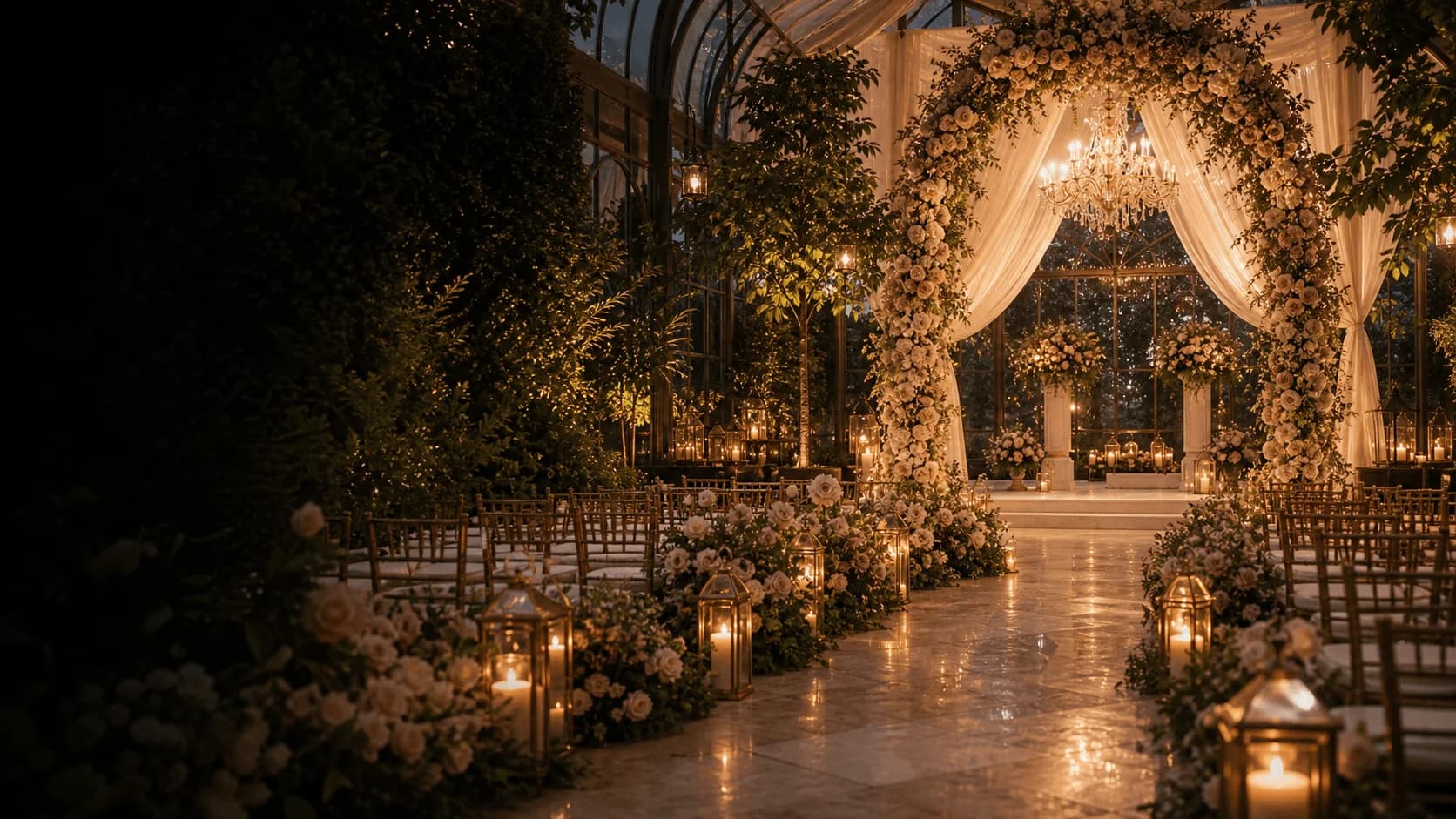
An exquisite digital stationery and guest planning experience. From save-the-dates to multi-day wedding weekend itineraries with live RSVP tracking, custom meal selections, and seating charts.
Together with their families
Weddings
Customize freely. An account is required to save and share.
Choose from editorial design palettes created by world-class wedding stylists and typographers.
The Wedding Of
Eleanor & Julian
Together Forever
Invitation Suite
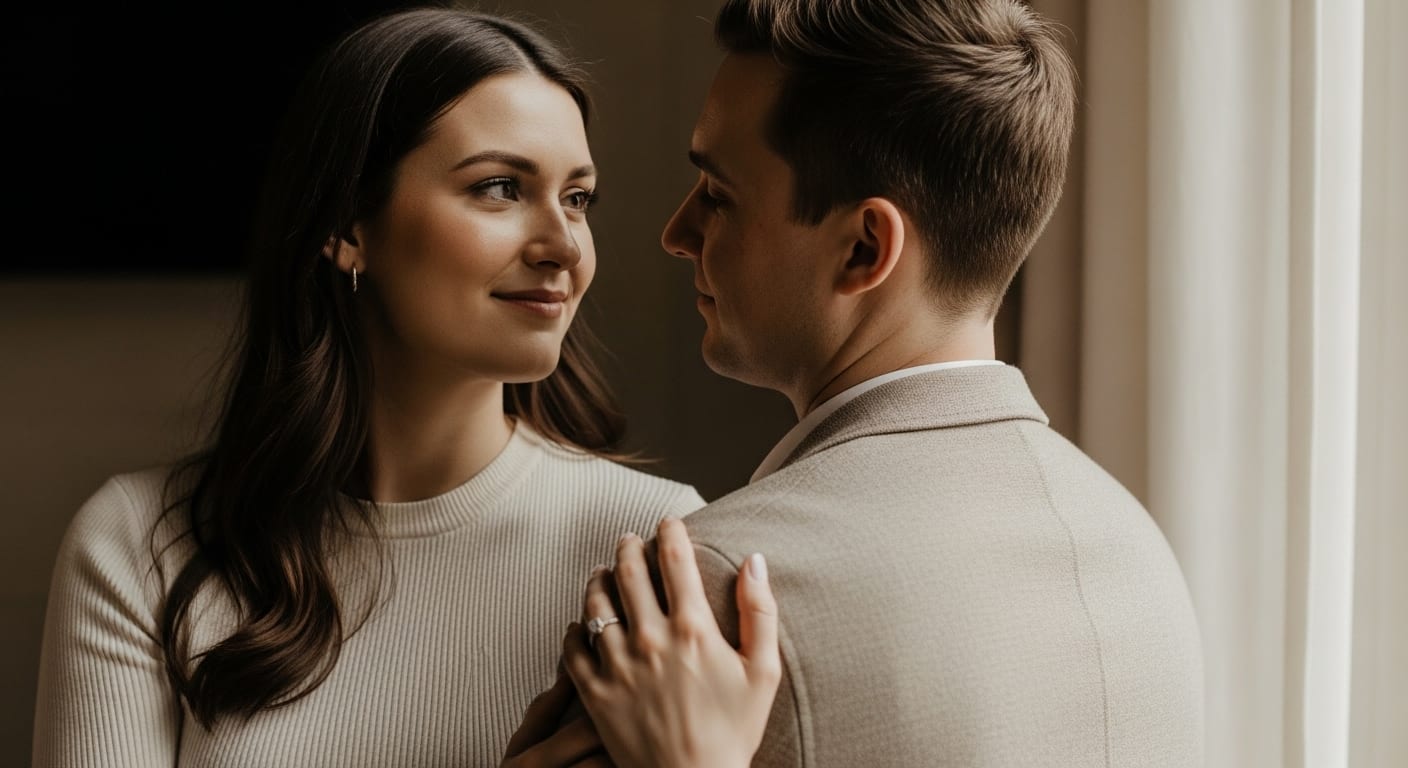
Heavy foil borders, classical European serif typography, and royal crest monograms for formal hotel ballrooms and historic estates.
Browse templatesThe Wedding Of
Clara & Matteo
Under the Vines
Invitation Suite
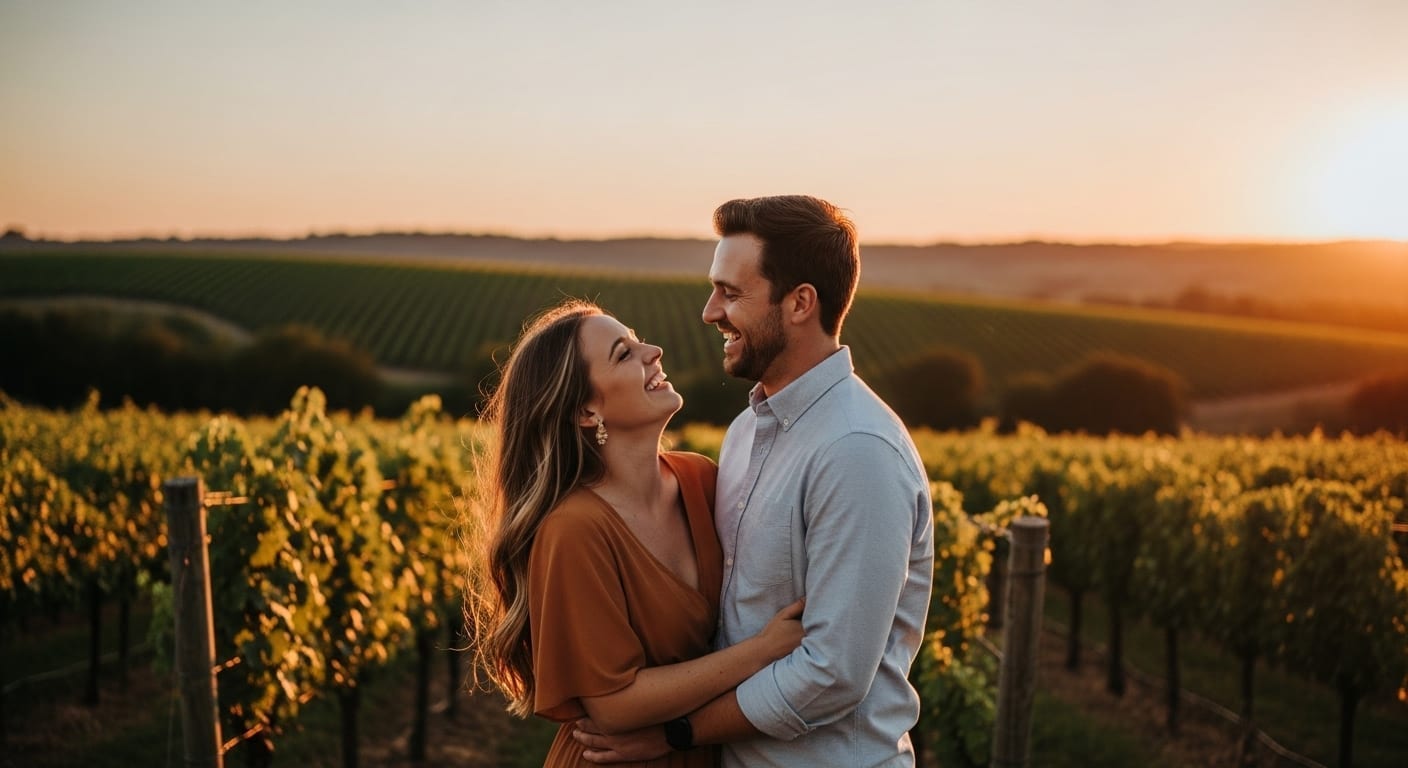
Botanical olive branch watercolors, organic textured card backgrounds, and romantic outdoor destination styling.
Browse templatesThe Wedding Of
Avery & Cole
An Evening Affair
Invitation Suite
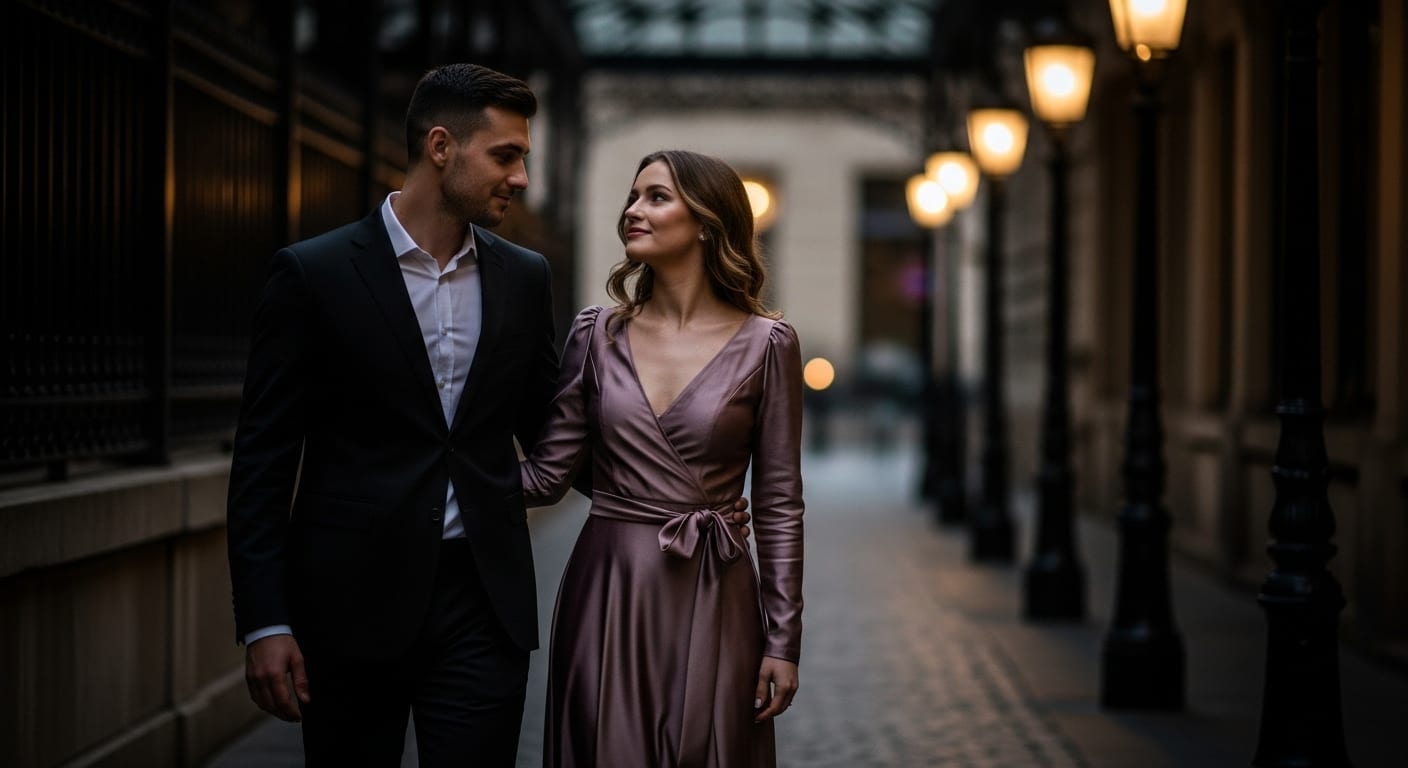
Sophisticated dark charcoal tones with warm metallic gold accents, clean structural lines, and ultra-chic gallery layouts.
Browse templatesPersonalize names, dates, venue locations, and aesthetic themes in real time.
Select Theme Palette
With Joyful Hearts
Manage separate RSVP responses for rehearsal dinners, welcome cocktails, main ceremony, and next-day brunch.
Automatically compile plated entrée selections, severe allergies, and table seating assignments with precise caterer reports.
Integrate Zola, Honeyfund, Bloomingdale's, or Crate & Barrel seamlessly into your guest experience suite.
Select your wedding suite theme and customize names, dates, and venues instantly.
Upload your VIP guest list via CSV or send bespoke links directly through WhatsApp & SMS.
Monitor responses, meal preferences, and guest messages in your dedicated live dashboard.
“Envitefy made our Tuscany destination wedding feel like royalty from the very first text invitation. Our guests were blown away by the multi-event itinerary and seamless RSVP flow.”
Married in Tuscany, 2026
“As a luxury wedding planner, I recommend Envitefy to all my high-end clientele. The elegance of the typography and the precision of the meal tracking saves hours of stress.”
Principal Event Designer, NYC
Create your bespoke digital wedding suite in under 3 minutes.