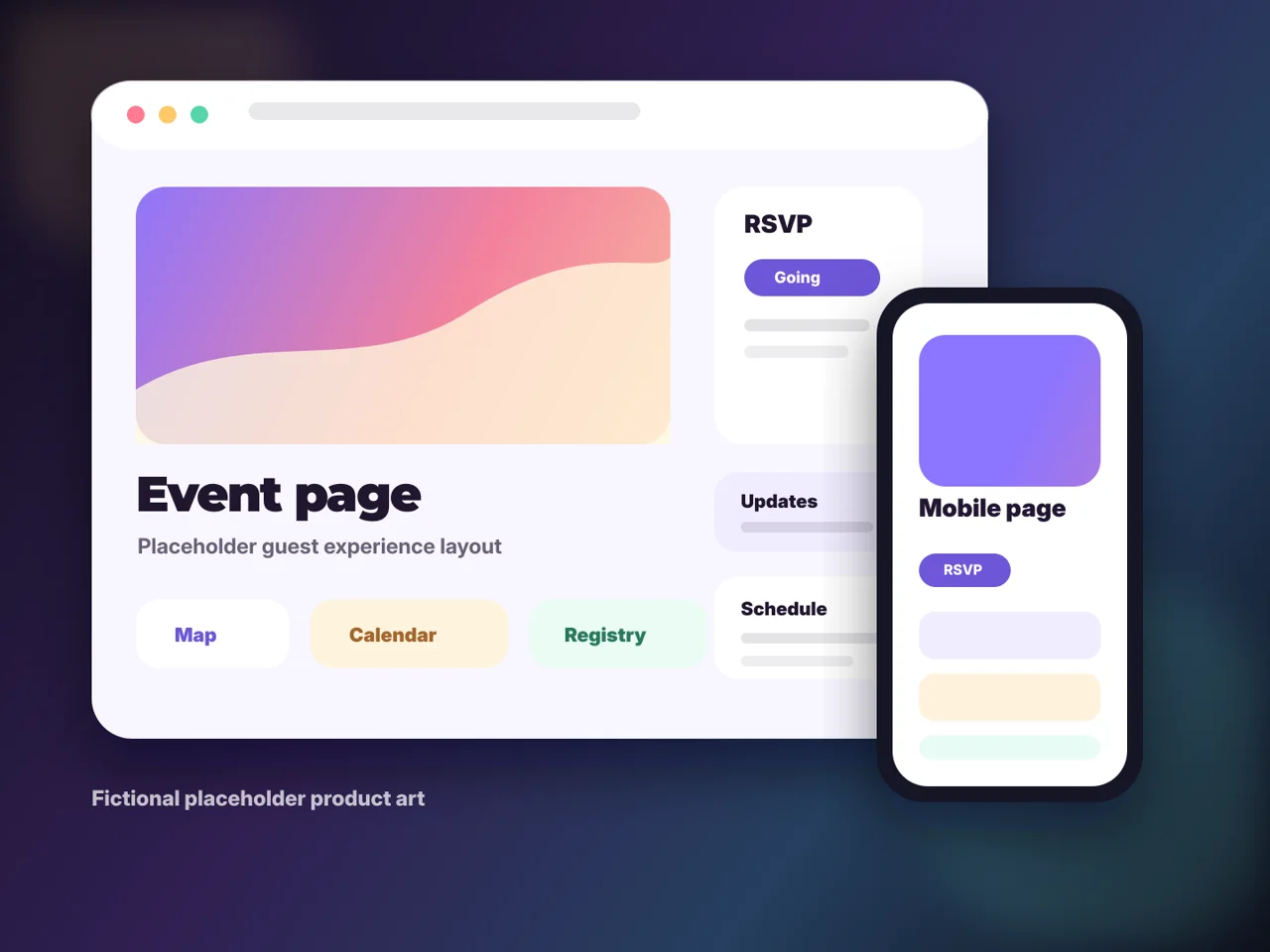
Guest access guide
Can I share an event page without guests installing an app?
Yes. Envitefy event pages are hosted on the web, so guests can open the shared link from text, email, or a browser without installing an app.
Short answer
Envitefy is designed for low-friction guest access. Hosts can share one live link, and guests can view details, use links, RSVP options, maps, and calendar actions from the web.
Guide fit
Use this path when these details matter.
The strongest event pages are not generic. They match the source, the host workflow, and the guest questions that show up after the invite is sent.
Guests who will not install another app
Family group texts and school parent threads
Hosts who need one current source of truth
Events where links and updates matter after sharing
How guests access the page
Guests open the event link in their mobile or desktop browser. The page can be shared through text, email, group chats, or other messaging tools.
What guests can do from the link
Depending on the event setup, guests can read details, RSVP, save to calendar, open maps, follow registry links, and return later for updates.
Why hosts use a live link
A live page avoids asking every guest to install software and keeps updates in one place after the invitation has already been sent.
Workflow
Build it in Hosted event pages.
Treat the source as a starting point, then publish a live page guests can use from any browser.
- 1Create
Publish the hosted event page
Build the page with Envitefy Create, Snap, or a category template.
- 2Copy
Use the live URL
Share the page link anywhere guests already communicate.
- 3Guide
Keep actions obvious
Make RSVP, map, calendar, registry, and signup links visible to guests.
- 4Update
Change the page, not the thread
When details change, update the hosted page so every old share still points to the current information.
Before you publish
Mobile readability
Most guests will open the page from a phone, so titles, dates, and action buttons need to scan quickly.
Clear sharing copy
Send one short message with the link and the action you need guests to take.
Current details
Use the page for corrections instead of expecting guests to remember a newer text update.
Action coverage
Add the links guests otherwise ask for: RSVP, calendar, map, registry, signup, ticket, or form.
What guests get
- Open the event from any browser
- Use the same link from text, email, or a group chat
- Find event actions without creating an account
- Return to current details after host updates
Related Envitefy resources
Continue with the next best page.
FAQ
Do guests need an app to view an Envitefy event page?
No. Guests can open shared Envitefy event pages in a browser from a text, email, or copied link.
Can guests use RSVP and calendar links from the browser?
Yes. Guest actions are designed to work from the hosted event page when those options are available for the event.