Bridal shower
Champagne Gold
Bridal shower invitations, beautifully hosted
Turn a garden brunch, afternoon tea, or champagne celebration into one elegant guest experience—with the invitation, RSVP, registry, map, and every detail together.
Bridal showers
Customize freely. An account is required to save and share.
Made for the moment before forever
Your shower deserves more than a static invitation. Envitefy turns the first impression into a living event page guests can return to—from the first RSVP to the final toast.
Refined calligraphy, editorial serif pairings, and foil-inspired finishes set the tone before guests arrive.
Share the invitation, RSVP, registry, map, calendar, and every host update in one polished place.
Track replies, keep guest details together, and update the plan without sending a new invitation.
Your invitation preview
Personalize the names, setting, and palette. Your guest-ready page keeps the refined feel while making every detail easy to act on.
Timeless luxury
Please join us for
With love & joy
October 17, 2026 · 11:00 AM
The Rosewood Estate
Curated design suites
From softly gilded luncheons to garden-grown romance, every suite is designed to feel considered from the first open.
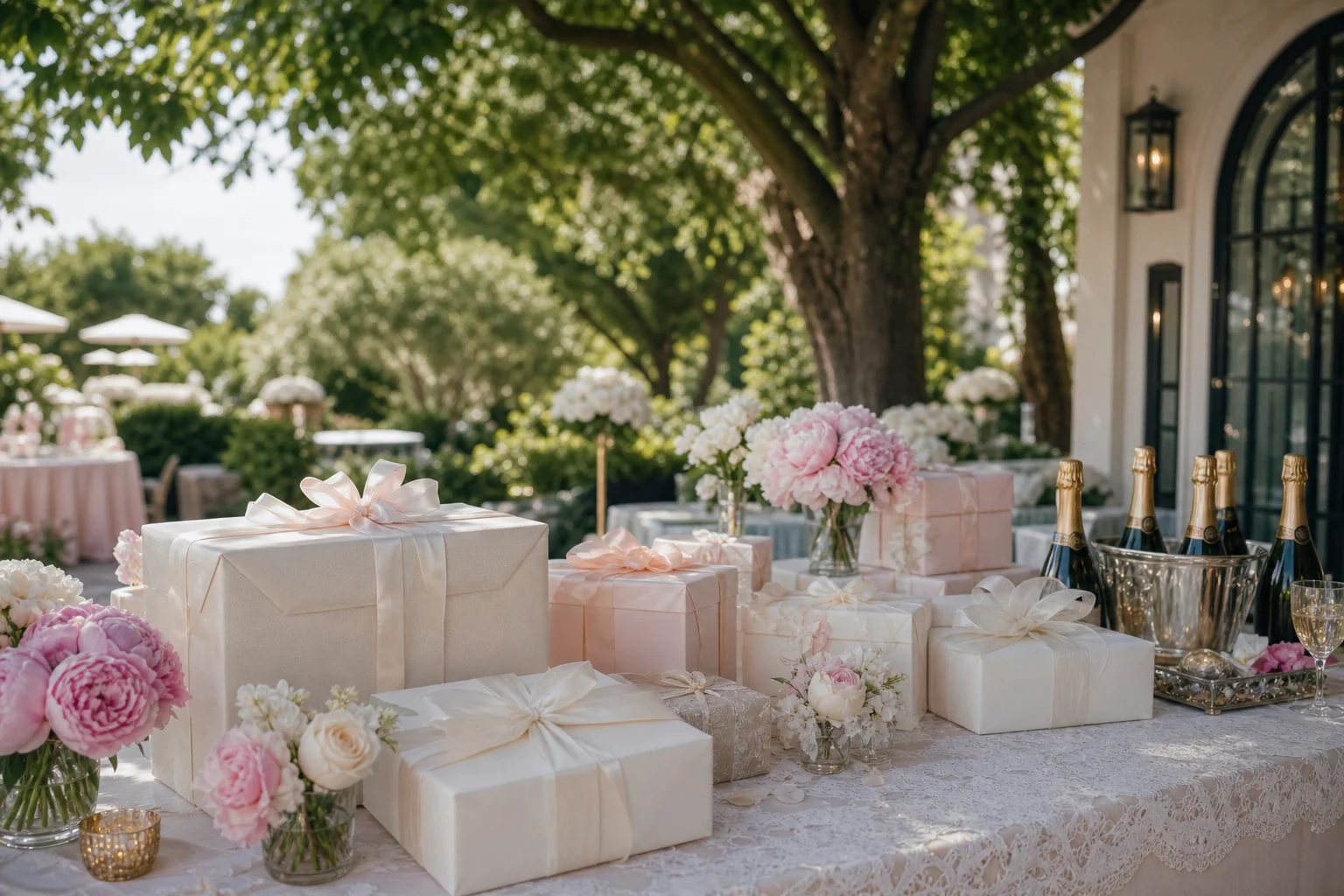
Timeless luxury
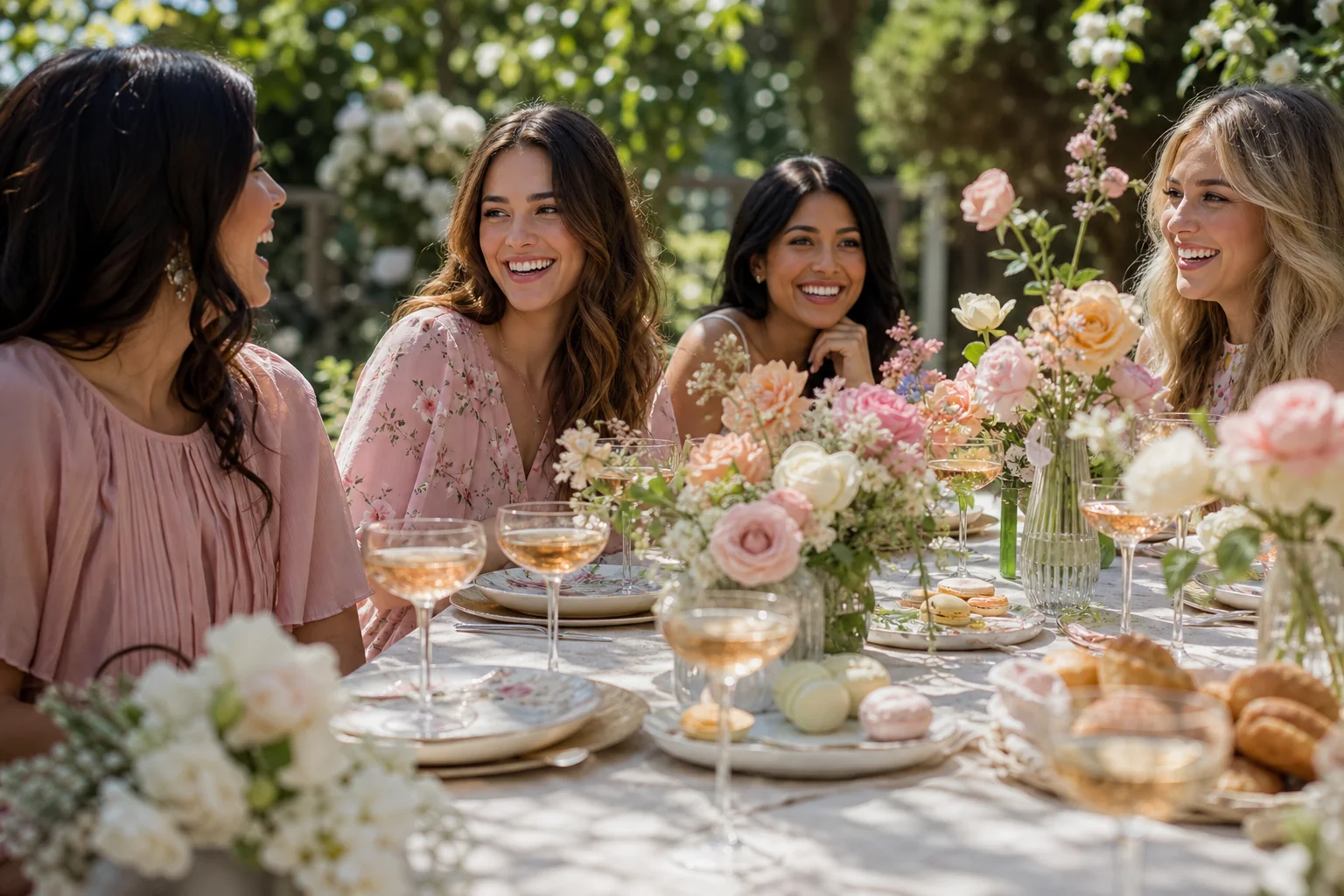
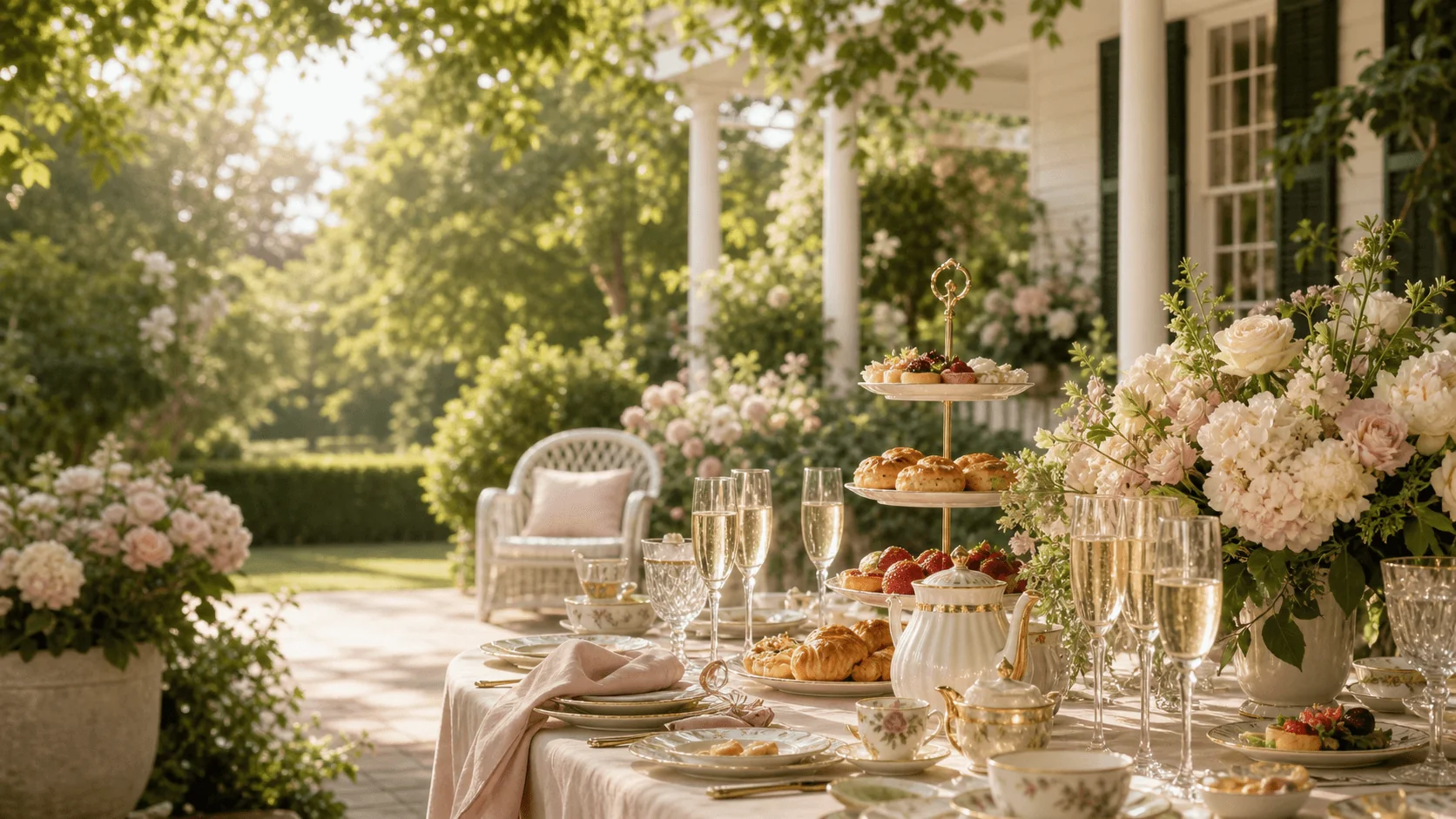
Garden high tea
Modern romance
One link, every answer
Guests get a polished mobile experience. You get a calm command center for replies, links, and last-minute updates.
Browse templatesUpload an invitation or begin with a beautifully guided blank page.
Registry, host note, directions, dress guidance, and calendar actions.
The same guest link stays current from the first RSVP to brunch day.
Celebrated stories
Our guests kept saying the invitation felt like opening a beautiful piece of stationery. Nearly every RSVP came in by the next morning.
The registry, directions, and brunch details finally lived in one place. It was genuinely the easiest part of planning the shower.
It looked custom, felt thoughtful, and saved me from answering the same questions in five different group chats.
Your celebration starts here
Create a beautiful bridal shower page in minutes, then share one link guests will actually want to open.