FAQ
Clear answers for hosts and guests.
Find quick answers about creating events, live pages, RSVP, smart sign-ups, calendars, privacy, and what guests can do from one shared link.
Create
Upload, describe, or design
No app
Guest-ready browser links
Coordinate
RSVP, sign-ups, calendar
How can I create an event in Envitefy?
Start with Envitefy Snap when you have a photo or file, describe the event to Envitefy Create, or choose a category template and enter the details manually. Each path gives you event details and a guest experience to review before sharing.
What can I upload with Envitefy Snap?
Snap accepts camera photos and uploads of invitations, flyers, screenshots, schedules, PDFs, and other event images. It extracts useful details for you to review, then creates a saved event and polished live page instead of stopping at a scan or text copy.
What is Envitefy Create?
Use the guided Live Card builder, an Event Page template editor, or the separate Sign-up Form builder. Add your details and guest actions, review the result, then explicitly save or publish. The signed-out help chat answers questions about these tools.
What is the difference between My events and Invited events?
My events contains events you create and own, including a flyer, schedule, PDF, or other source material you upload for something you are hosting. Invited events contains classic invitation cards you received, such as a birthday, wedding, gender reveal, or similar social invitation.
Do guests need an app or Envitefy account?
No. Shared event pages and smart sign-up forms open in phone and desktop browsers. Guests can use the actions available on the page without installing an app or creating an account.
What is a live event page or live card?
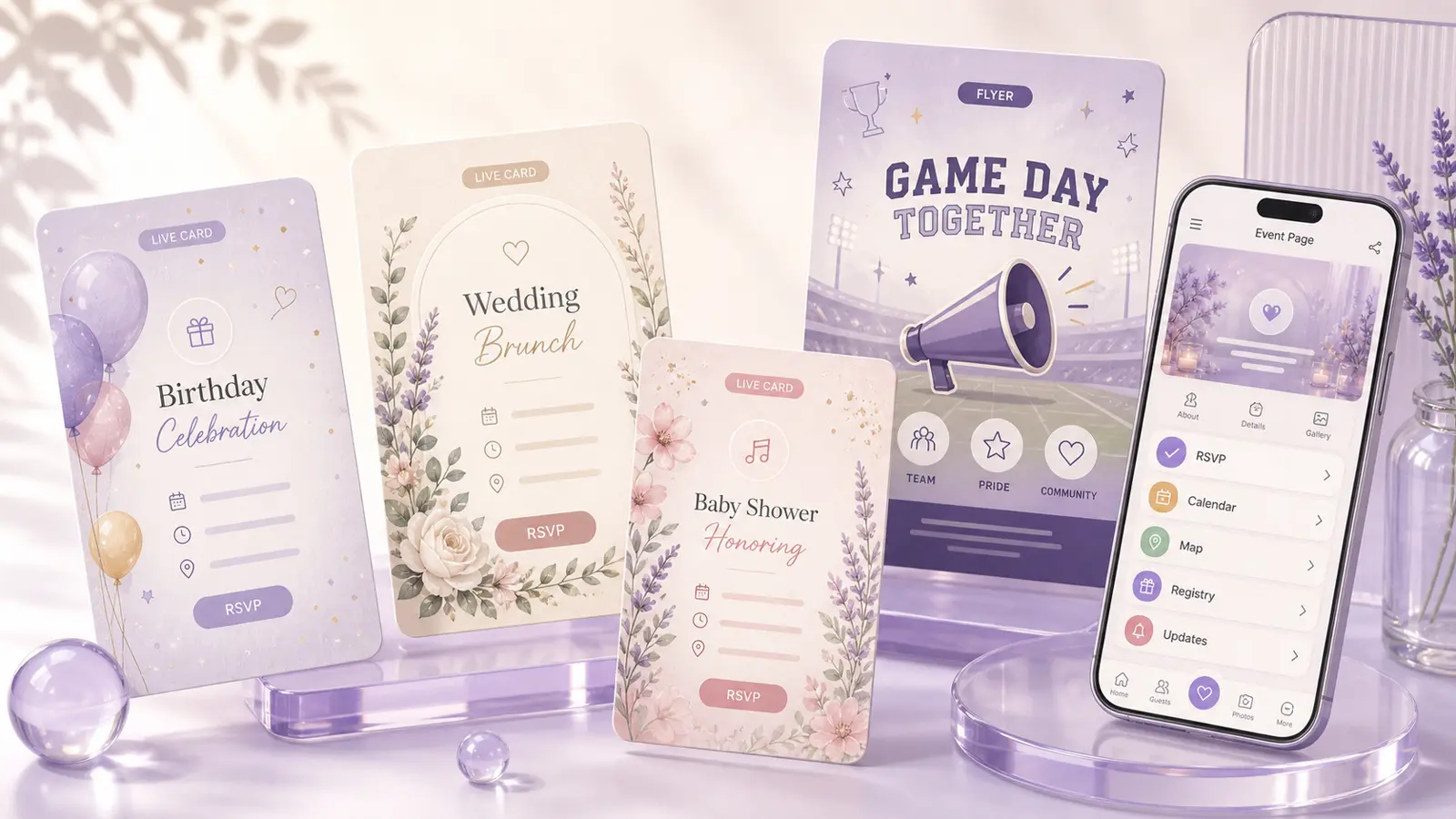
It is a hosted, mobile-friendly event home where the invitation, latest details, and available guest actions stay together. Depending on the event, those actions can include RSVP, schedules, directions, calendars, registries, and sign-up slots.
If I change event details, do guests need a new link?
No. Update the event and the same shared link remains the current place for guests to check timing, locations, schedules, instructions, and other live details.
Can an event page require an access code?
Yes, for supported event pages. A host can add a per-event access code so guests must unlock the page before continuing to its details and RSVP experience.
Can guests RSVP directly from the event page?
Yes, when RSVP is enabled for that event. Supported pages can collect yes, maybe, and no responses without sending guests to a disconnected form or requiring an app.
What information can an RSVP collect?
Supported flows can collect household or party size, adults, kids, siblings, plus-ones, guest messages, allergies, dietary needs, meal choices, and event-specific answers. The fields vary by event type and host settings.
Can hosts track RSVP responses?
Yes, for events with RSVP enabled. Host views can organize response counts, yes, maybe, no, pending guests, recent replies, headcounts, and event-specific answers in one place.
What are smart sign-up forms?
Smart sign-ups coordinate volunteers, potluck food, supplies, shifts, classroom needs, fundraisers, team snacks, and custom slots. Organizers can set quantities, capacity, time windows, per-person limits, full-slot locking, and automatic waitlists, then share the live form by link or QR code.
Which calendars does Envitefy support?
Live pages can offer Google Calendar, Apple Calendar through an ICS handoff, and Outlook calendar actions. Signed-in owners can connect Google Calendar or Outlook to automatically sync newly scanned events; Apple Calendar uses a one-event ICS save.
Can an event page include directions and a detailed schedule?
Yes, when those details apply. Pages can combine maps and directions with venue, parking, arrival, drop-off, pickup, travel, single-event timing, multi-part itineraries, or multi-session schedules.
Can I include registry, gift, or fund links?
Yes, on supported events. Hosts can keep major registry providers and custom registry, wishlist, gift, or fund links beside the invitation so guests do not have to search for them separately.
Which event types have specialized experiences?
Envitefy includes specialized paths for weddings and wedding weekends; birthdays, showers, gender reveals, anniversaries, and family celebrations; gymnastics and sports; school, volunteer, community, workplace, real-estate, appointment, workshop, and custom events.
Should I review details created by Snap or Envitefy Create?
Yes. Automated extraction and generated content can be incomplete or wrong. Review names, dates, times, time zones, locations, links, permissions, guest information, and wording before publishing, sharing, traveling, or saving anything to a calendar.
Does Envitefy use service data to improve the product?
Except for Google user data, Envitefy may use service, usage, feedback, and submitted content to operate, secure, evaluate, and improve current and future Envitefy products as explained in the Privacy Policy. Information received from Google APIs is used only to provide or improve the Google-connected functionality you request and is not used for generalized product improvement, advertising, or AI training. Optional site analytics stays off unless you allow it.