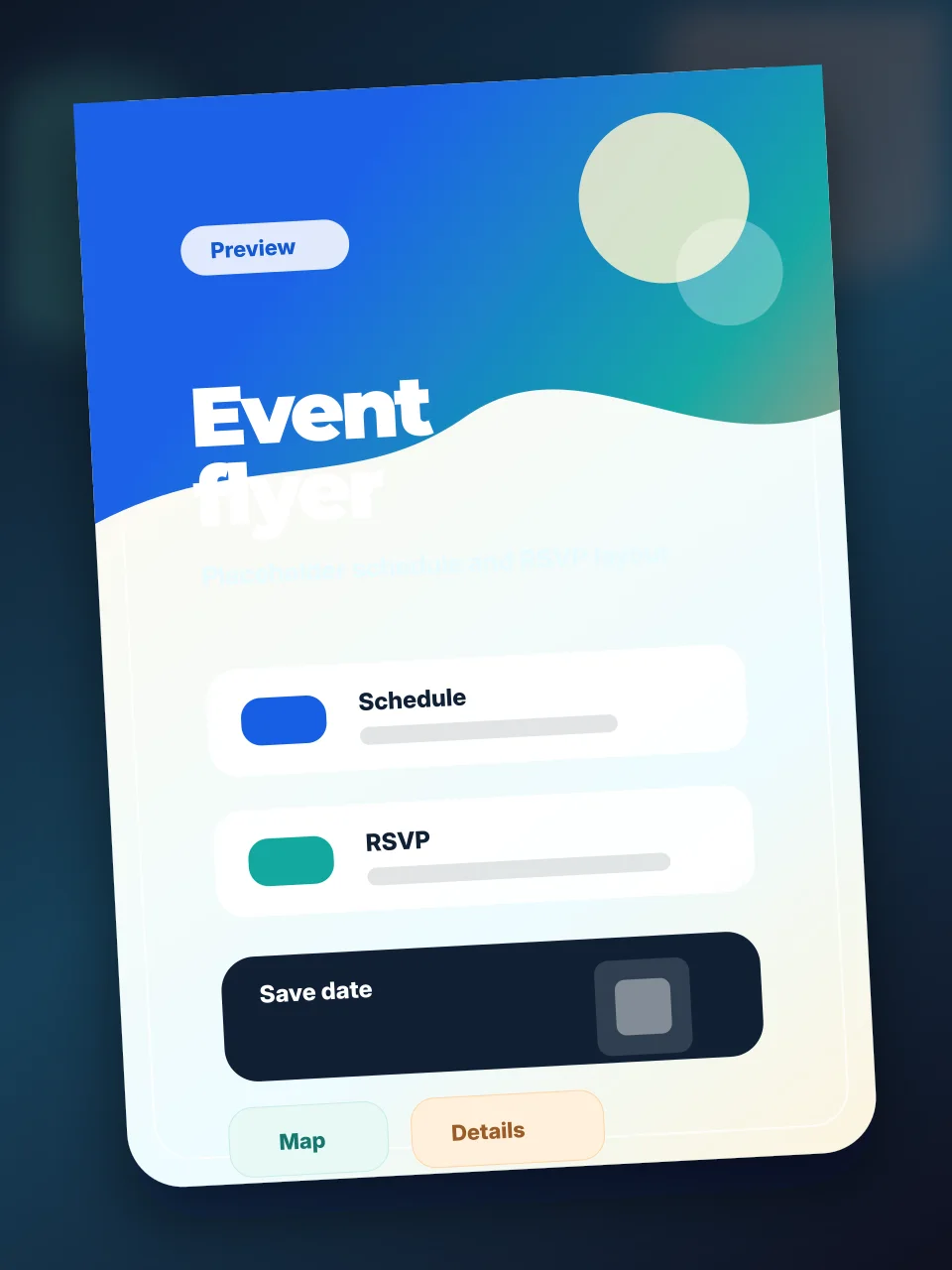
Flyer upload guide
How do I turn a flyer into an event page?
Snap or upload the flyer, confirm the details Envitefy finds, and share a live event page instead of another screenshot.
Short answer
Envitefy helps hosts and parents convert flyer-style event information into structured pages with RSVP, calendar, map, and sharing actions.
Guide fit
Use this path when these details matter.
The strongest event pages are not generic. They match the source, the host workflow, and the guest questions that show up after the invite is sent.
School events and classroom activities
Team parties, clinics, and practices
Community posters and local events
Screenshot invitations from a group chat
From image to structured details
Envitefy reads flyer text and turns it into editable event fields such as title, time, venue, address, notes, links, and category.
Useful for busy family logistics
Flyers often arrive through texts, school apps, emails, and screenshots. Envitefy gives families a stable page to revisit and share.
What to check before sharing
Hosts should review dates, times, addresses, and links before publishing. Envitefy keeps the result editable so corrected details can replace the original flyer confusion.
Workflow
Build it in Envitefy Snap.
Treat the source as a starting point, then publish a live page guests can use from any browser.
- 1Capture
Upload or snap the flyer
Start from a poster, screenshot, image invitation, or school flyer without retyping it all.
- 2Clean up
Verify every field
Correct misspellings, add missing links, and remove decorative copy that guests do not need.
- 3Choose
Enable the right actions
Add RSVP, calendar, map, registry, signup, or registration links depending on the event.
- 4Send
Replace the screenshot
Share the hosted event page so guests have one place to return for updates.
Before you publish
Readable source
Use the clearest image available so small venue, date, and link text is easier to confirm.
Link destinations
If the flyer mentions a QR code, registration page, or signup, add the actual URL to the page.
Audience fit
School and team flyers often need notes for parents, parking, arrival windows, or supplies.
Update path
Use the live page when details change instead of sending a new screenshot to every thread.
What guests get
- No need to zoom into a blurry screenshot
- Calendar, map, RSVP, and link actions can sit next to the details
- Parents can forward a clean page instead of image attachments
- The same link can reflect corrected event information
Related Envitefy resources
Continue with the next best page.
FAQ
Can Envitefy create an event page from a flyer image?
Yes. Envitefy Snap can use a flyer image or screenshot as the starting point for a hosted event page.
Can I edit the event details after upload?
Yes. Hosts can review and adjust the extracted information before sharing the page.