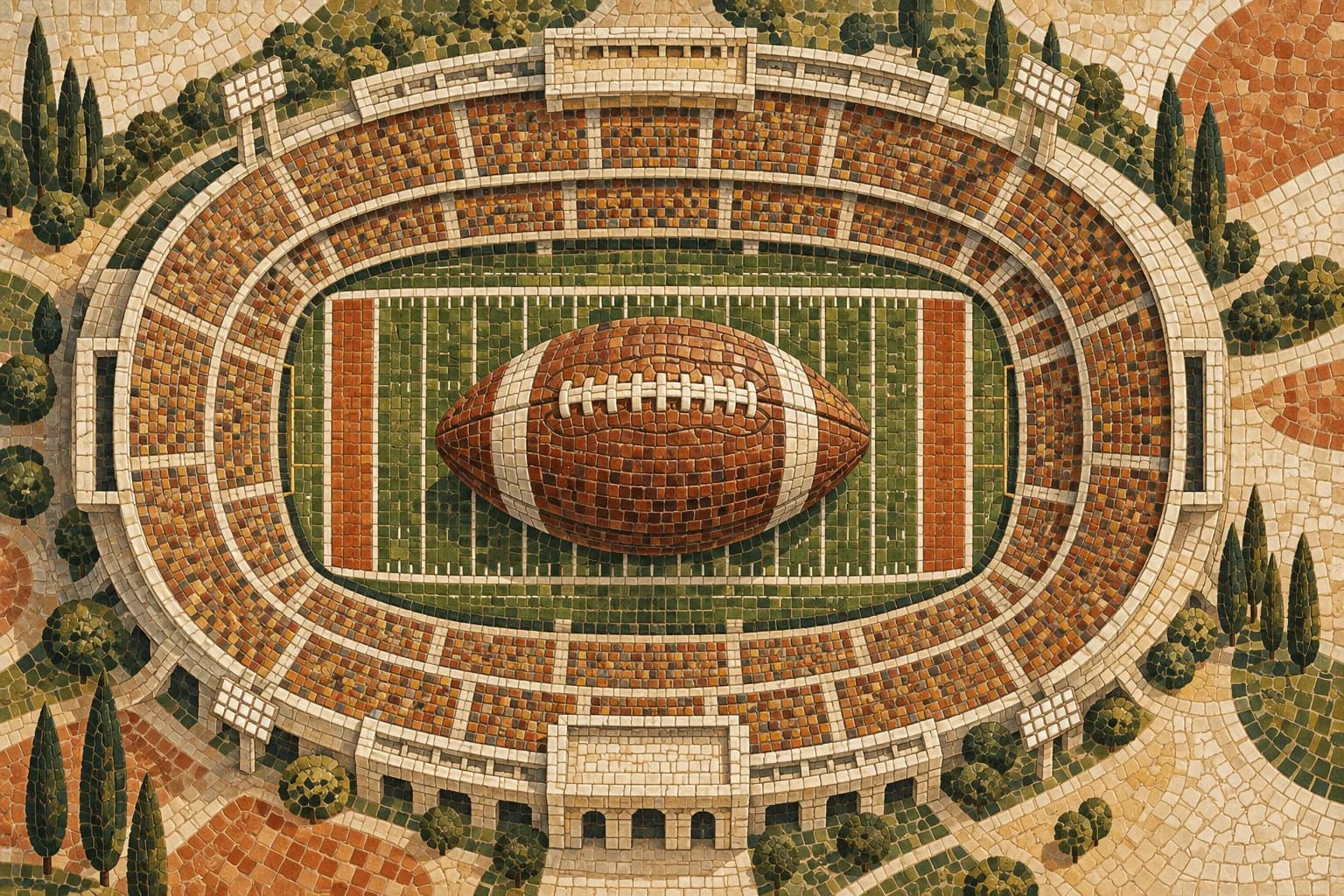



Every game, one schedule
Keep upcoming matchups, kickoff times and stadiums together. Past games have their own place, with scores when available.

Football pages for teams & families
Keep your team on the same page. Bring schedules, travel details and updates together in one link for players and families.
Football first. Snap and Upload always included.
Built around your team
Keep upcoming matchups, kickoff times and stadiums together. Past games have their own place, with scores when available.
Share away-game directions, parking notes, hotel details and ticket links so families can plan before leaving home.
Bring team details, rosters, practices, attendance and updates into the same shareable season page.
Football designs
Choose a design, then add your schedule and team details.

How it works
Start with a football design, then make the colors, wording and hero image your own.
Upload a schedule, paste a public website link, or add your games yourself. Review the details before saving.
Publish when you’re ready and give players and families one link for the latest plan.
Start with the tools your team needs. Snap invitations, upload schedules and create sign-up forms from the same account. Add other event categories in Settings whenever you need them.
Explore SnapYes. Start with the same football designs for a game-day page or a season schedule. Add only the sections your team needs.
Yes. In the football editor, use Upload / URL & Prefill to import a file or public website into the selected design. Review the imported details and explicitly save when you’re ready.
Yes. Sign up from the football page or gallery and Football becomes your default creation option. Your workspace starts with football, while Snap, Upload and sign-up forms stay available. You can add other categories in Settings.
Yes. Snap and Upload remain available for every account, whether you organize football, gymnastics or another kind of event.